Epson Stylus Photo R3000 Review Part 1

So I finally picked up a new printer after my HP Photosmart 3310 All-in-One gave up the ghost.  The HP served me well for many years as an all-purpose printer but I knew that my next printer would have to better meet my photographic needs.  First and foremost it has to print out exhibition quality black and white prints.  Space saving and affordability were also high up on the criteria list.

As for the brand I was impartial since I had owned both HP and Epson printers before and had good experiences with both.  However, having read Rob Sheppard’s “New Epson Complete Guide to Digital Printing” a few of years back did sway me in favor of the aforementioned brand.  I’ve always known Epson products to be highly durable as I have relied on my V700 to scan my films without fail for many years now.

So after doing some research into the latest and greatest I decided on the Epson Stylus Photo R3000 (SPR3000).  And after about a week with the printer and outputting some decent work prints I can safely recommend it to the general enthusiast looking to get good quality prints without much fiddling around.  So without further ado let’s look at what comes in the box shall we?

Unpacking the SPR3000

The SPR3000 is the size of a small side table when folded up.  With the front and rear trays extended it takes up significantly more room.  I leave it folded up when not in use to save space.  Like most printers nowadays it is WiFi enabled so you can put it in your closet if you really wanted to.  The rear tray is the auto sheet feeder for loading paper up to A3 in size.  There’s an edge guide that can slide all the way to the right for loading smaller 4R photo paper.  The front manual feed tray is the light gray piece in the front for loading things like fine art media, poster board and CDs / DVDs.

There’s a special carrier pictured in the bottom left corner that comes with the SPR3000 for guiding the CDs / DVDs into place.  Beside it are the power cord and USB cable which is not needed after the initial WiFi setup.  In the white box are the user manuals, CD ROM and two roll paper holders that can be installed on the back of the printer.  The little orange thingy must be removed from the printer before use.  Not pictured above are the 9 color and black ink cartridges that come with the printer.

The dealer where I got my SPR3000 from also gave me a whole stack of 4R Premium Glossy Photo paper samples which have come in handy for printing small work prints before larger ones.  As part of the package there was also a 30 minutes introductory training course to start producing decent prints after setup.  It helped going into the training to know a little bit about color management and profiles.

To be continued in Part 2…
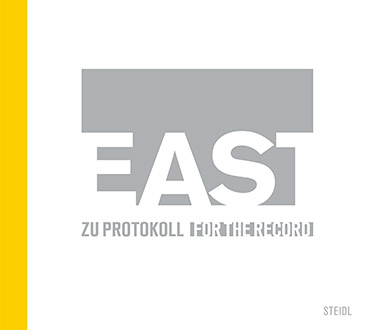
“East: For the Record” published by Steidl

“East” is a photographic record of the historic events that occurred between August 1989 and January 1990 that brought down the Berlin Wall and reunited East and West Germany.  However instead of using cliched newsroom photos of people standing on top of the Wall, it is the everyday lives of regular people during that time that is featured in the foreground and the “historical events” that serve as the backdrop.

The book is mainly written in German for a German audience however it does contain an English translation of the Forward, essays and photo captions to be found at the very end of the book.  The main body of the book is the Photography section which is divided into the months August, September, Oktober, November and Dezember.  Each spread is spaciously laid out with photographs, the Day. Month., name of the contributing photographer and a short caption.  The overall effect is one of non sentimentality letting the photos individually stand on their own but all the while contributing to the overall tone and momentum.  90 % of the photos are in black and white with color serving as accents here and there.

It is a powerful testament to how history is written by regular people just by living the way they choose to and changing the course of history in the mean while.  Would be great to see more photobooks like “East” that gives a clearer view of the everyday context that accumulate and add up to momentous events that affect all our lives.

If you like this review enough to buy the book, please purchase from the Amazon link here:
“EAST: FOR THE RECORD”

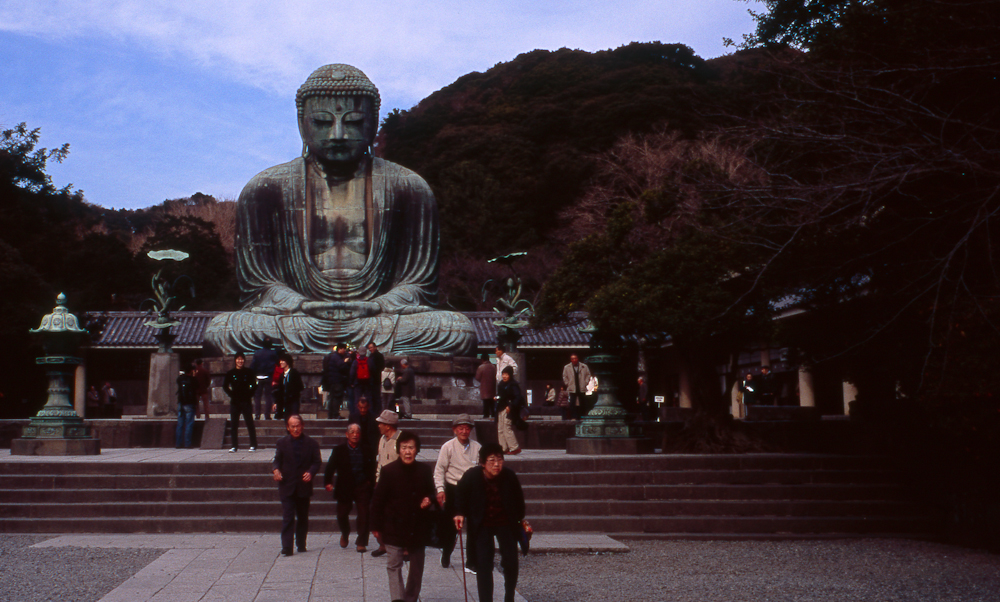
Sample image comparison from Leica M9 and Canon 5D Mark II

Leica M9 – 1/125 at f / 2.0, ISO 160

Canon 5D Mark II – 1/125 at f / 1.8, ISO 100

Leica M9 – 1/125 at f / 2.0, ISO 320

Canon 5D Mark II – 1/125 at f / 1.6, ISO 250

Leica M9 with the Summilux M 35 pre-asph gives that special Leica glow especially around the highlights and high contrast borders.  Downside is the horrible coma effect around the point light sources which are absent from the Canon lens.  Amazing what difference 20 + years of lens development makes.  Your preference?

February 7th 2012 Update: 100% Crops

Here are some 100% crops of the above images:

Leica M9 – 1/125 at f / 2.0, ISO 320

Canon 5D Mark II – 1/125 at f / 1.6, ISO 250

Bessa III Review Part 1

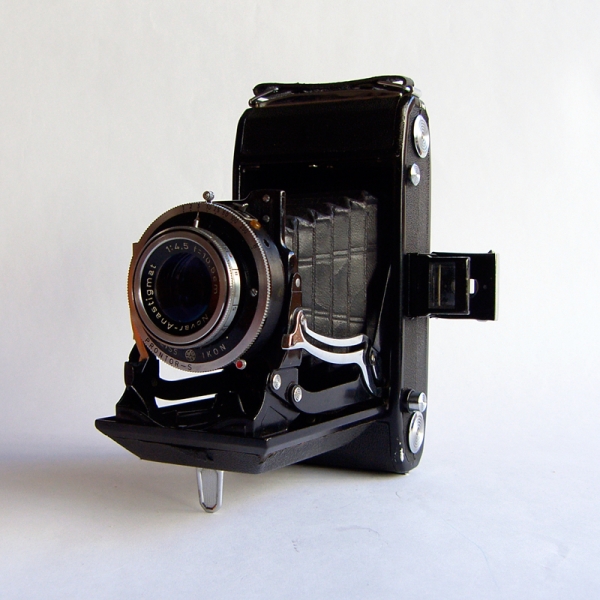
Several years ago my wife and I travelled to Prague and picked up an old fold up camera. We brought it as a kind of joke and took a few rolls of film with it.  Little did we know that when we developed and printed out the photos they were absolutely stunning giving much greater detail on an 8 x 10 print then 35 mm film.  Although in working condition the camera had its quirks and was very cumbersome to operate.  So I picked up a second-hand Hasselblad 500 CM which was easier to operate but challenging nonetheless due to the upside down viewfinder (I haven’t given up yet).  At the time the Bessa III which combines medium format negative + rangefinder composition + compact folding body seemed like the ideal solution.

Chemical Sensor

The Bessa III takes 120 roll film which can be set either to 6 x 7 or 6 x 6 frame ratio.  The adjustment can be made simply by turning the clearly marked dial on the right.  On my sample this dial is a bit loose and I find myself compulsively checking to make sure it is firmly set before closing the back.  The two arrows across the top simply indicate where you should place the starting strip indicator on the 120 film leader.  Just line the arrow up with the either the 6 x 7 or 6 x 6 indicator on the leader and you are good to go.

I prefer the 6 x 7 ratio on the Bessa III as it gives a wider field of view.  This is good for street shooting because you never know what interesting things can be found on the periphery.  To get some composition inspiration you can search for 6 x 7 either on google or flickr to see some good samples.

Other things of note

The two red buttons on the back do nothing more than pop the film reels off the camera. There’s a circular screw-on viewfinder protector that needs to be fastened carefully.  If you manage to lose it like I did, you can pick up a Nikon branded replacement quite easily.

Bessa III Review Part 2

Bessa III Review Part 3

Hyperfocal Focusing

Hyperfocal focusing is a must learn technique for those interested in street photography. It’s not as hard as it sounds and is actually quite intuitive once you understand the concept.  To get started all you have to do is to determine the range at which your subject will most likely appear.  The trick is to anticipate the action before you execute the shot.

Let’s say your subject is walking towards you and you want to take a photo of them when they are at least 3 meters away.  To make sure that everything is in focus from 3 meters to infinity you place the 3 meters marker on the focus dial to the center dot.  Then read off the aperture setting at the infinity mark and set the aperture to that setting.  Press the shutter button and as long as the subject is within this range they will be in focus.

This opens up all sorts of possibilities as you can then have the camera away from your eye or even body.  No longer worried about focusing on the subject new angles and perspectives can be experimented with.  And because the camera is not held up to your eye you can also take pictures very discretely.  Sometimes this enables you to move right up to the subject and take the shot.

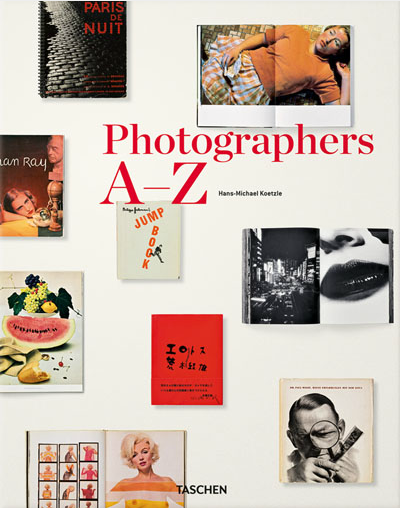
“Photographers A-Z” by Hans-Michael Koetzle

Received a copy of “Photographers A-Z” published by Taschen over the Christmas holidays.  It’s a great book for getting to know more about the masters as well as some up and coming photographers.  Although a hefty tome it is by no means exhaustive in scope and professes to be selective rather than encyclopedic.

It’s similar to “The Photobook” by Parr and Badger in that it showcases the photobooks of the photographers.  For aspiring collectors it also contains some selected exhibitions and bibliographical info as well.  The writing is a little rushed and summarized for my tastes but it does contain some useful information (the writing in the Parr and Badger book is much better).

It’s a good collectors item in and of itself and is definitely well made.  The font and layouts are elegant and very accessible for the reader.  Plenty of white space surrounding text and images which is good.  Overall I am quite happy with “Photographers A-Z” and highly recommend it for your bookshelves.

Photographers A-Z on Amazon.com